If you’ve ever looked at a cool logo, poster, or t-shirt and thought “I wish I could make something like that”… you absolutely can.
Graphic design isn’t just for professionals—it’s for anyone with ideas and a little curiosity. This guide breaks everything down in a simple, no-overwhelm way so you can start creating right now.
What Is Graphic Design?
Graphic design is the art of combining visuals—like images, colors, and typography—to communicate a message.
You see it everywhere:
- Logos
- Social media posts
- T-shirt designs
- Websites
- Packaging
Good design doesn’t just look nice—it tells a story and makes people feel something.
The 5 Core Elements of Design
Think of these as your building blocks:
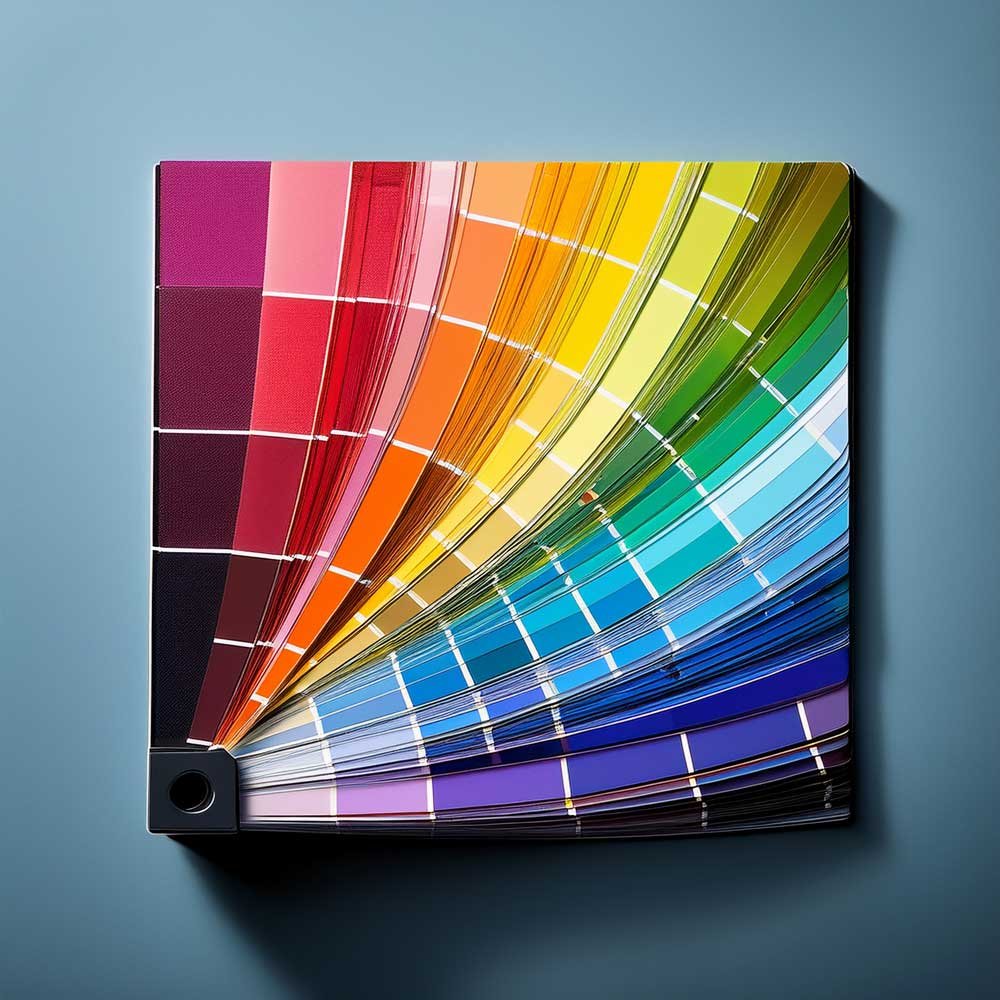
1. Color
Color sets the mood of your design.
- Bright colors = energy
- Dark tones = mood/drama
- Neutrals = clean/minimal
Tip: Start with 2–3 colors max to avoid clutter.
2. Typography (Fonts)
Fonts have personality.
- Serif fonts = classic, elegant
- Sans-serif = modern, clean
- Script fonts = creative, expressive
Tip: Don’t use more than 2 fonts in one design.
3. Layout
Layout is how everything is arranged.
A clean layout = easy to understand
A messy layout = confusing
Tip: Use spacing. White space is your friend.
4. Images & Graphics
Photos, illustrations, icons—these bring your design to life.

Tip: Always use high-quality images (blurry = amateur look).
5. Contrast
Contrast helps things stand out.
Examples:
- Light text on dark background
- Big text + small text
Tip: If everything stands out, nothing stands out.
Basic Design Principles (The “Rules”)
Once you know the elements, these principles help you use them correctly:
- Balance – Keep things visually even
- Alignment – Make everything line up cleanly
- Hierarchy – Show what’s most important first
- Consistency – Keep a cohesive style
Tools Beginners Can Use
You don’t need expensive software to start:
- Beginner-friendly: Canva
- Intermediate: Photoshop / Illustrator
- Free options: GIMP, Photopea
Start simple. Skill matters more than tools.
Common Beginner Mistakes
Avoid these and you’ll instantly improve:
- Using too many fonts
- Overcrowding your design
- Ignoring spacing
- Picking random colors
- Copying trends without understanding them
How to Start Today
Here’s a simple plan:
- Pick a small project (like a t-shirt or Instagram post)
- Choose 2 fonts + 3 colors
- Keep your layout clean
- Practice daily
That’s it. No perfection needed.
Final Thoughts
Graphic design is a skill you build over time—not something you’re born with.
The more you create, the better you get.
And remember:
Every “pro designer” started exactly where you are right now.